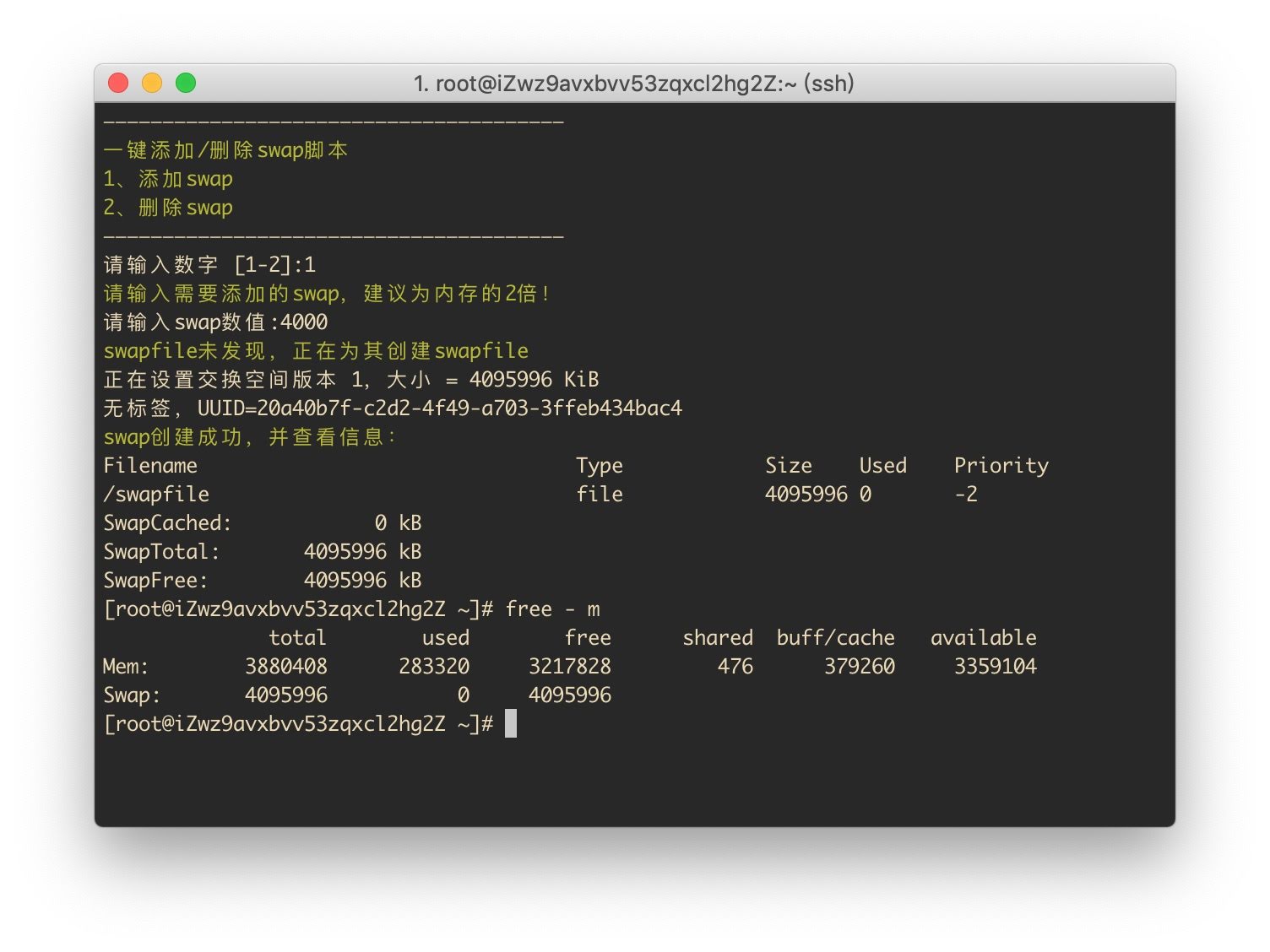

前言
由于阿里云,腾讯云等云服务器默认系统镜像不带Swap分区,本文将介绍使用简单的一键安装脚本为CentOS7添加Swap交换分区.
配置流程
一、检查Swap分区
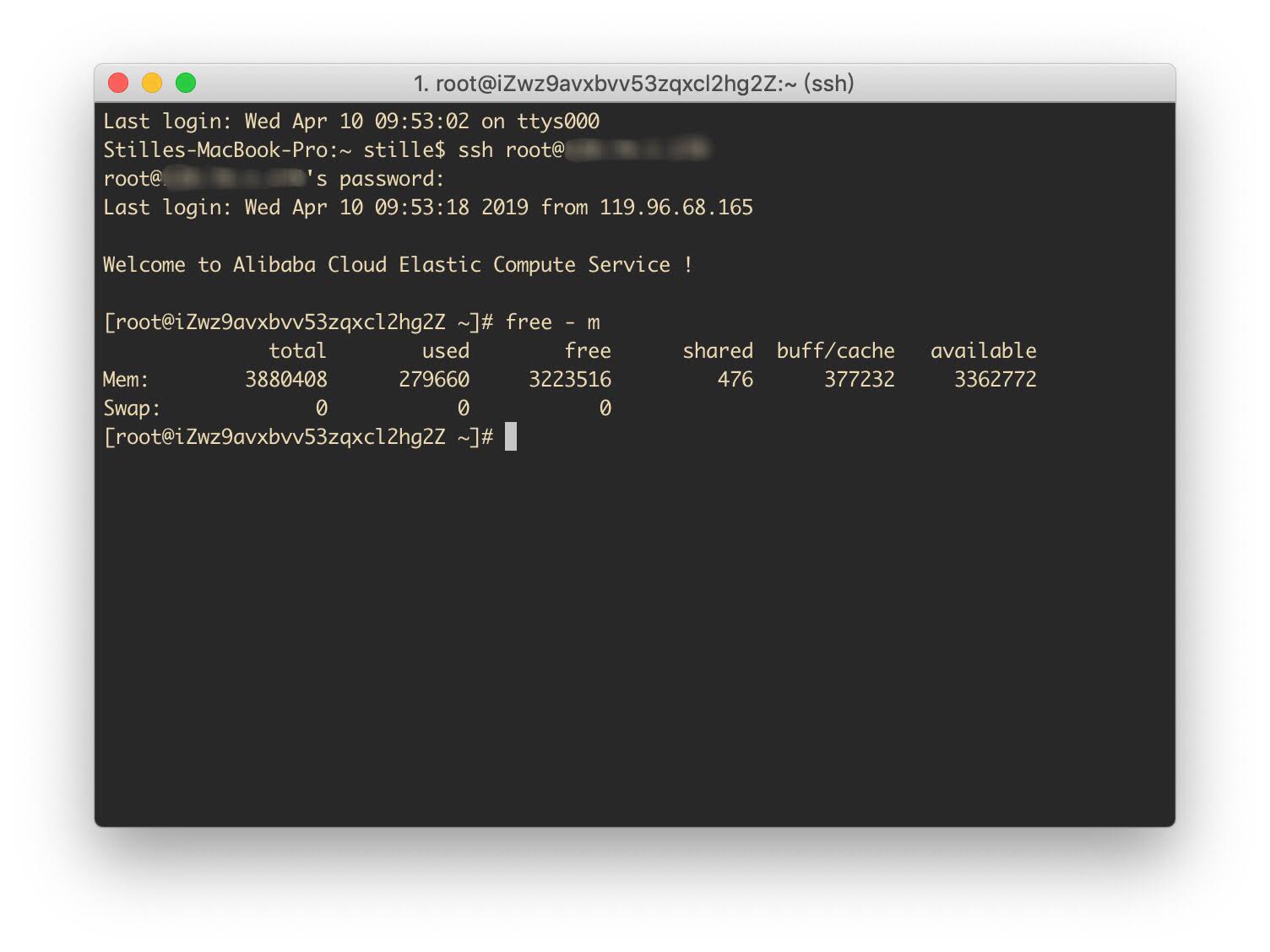
登录服务器
输入
free -m Swap分区为0则表示无Swap分区
二、下载一键安装脚本
输入
curl -O https://raw.githubusercontent.com/stilleshan/code/main/shell/swap.sh && chmod +x swap.sh && ./swap.sh
# 以下为国内镜像
curl -O https://github.ioiox.com/stilleshan/code/raw/branch/main/shell/swap.sh && chmod +x swap.sh && ./swap.sh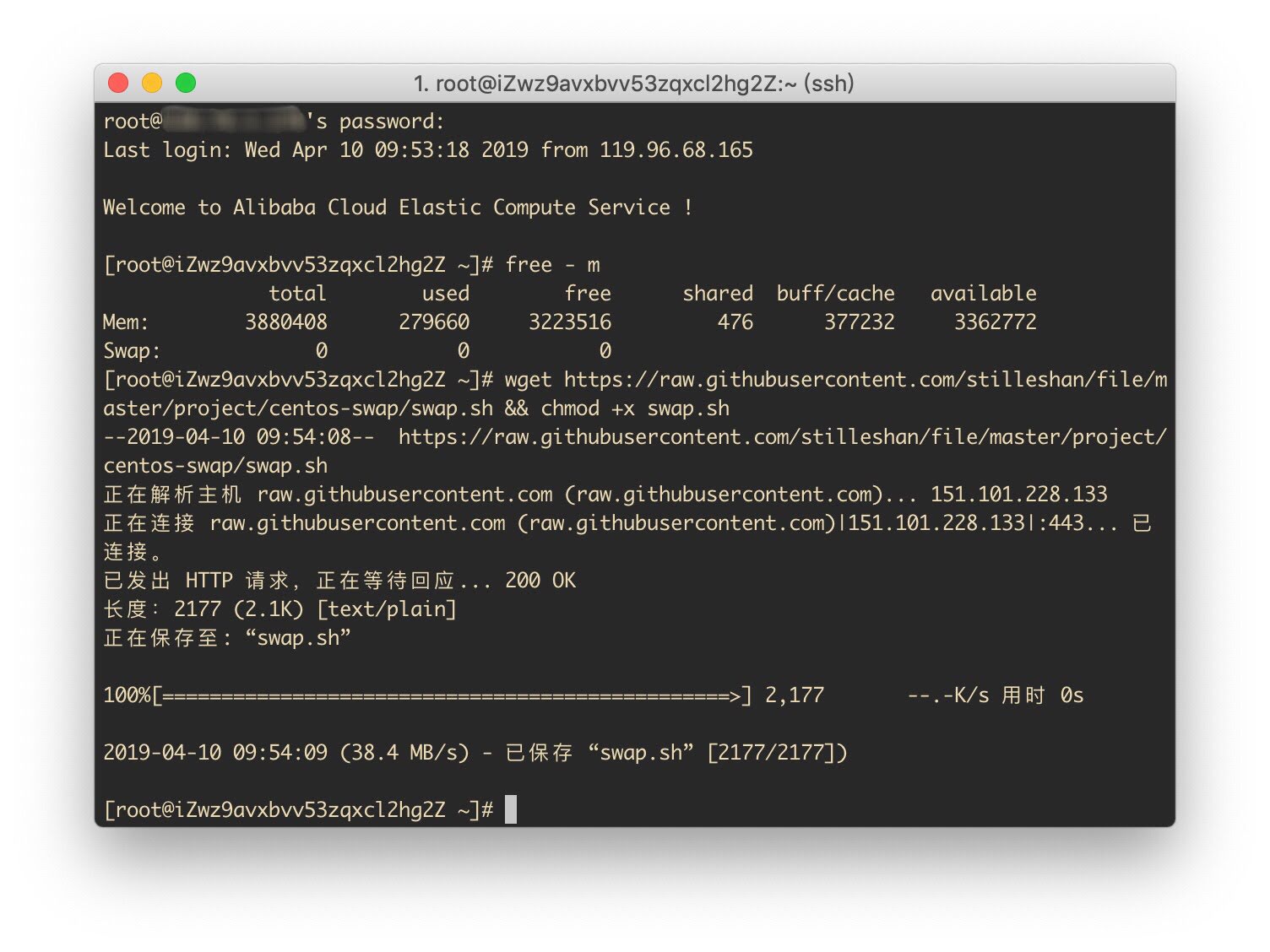
三、运行脚本添加Swap分区
输入
./swap.sh
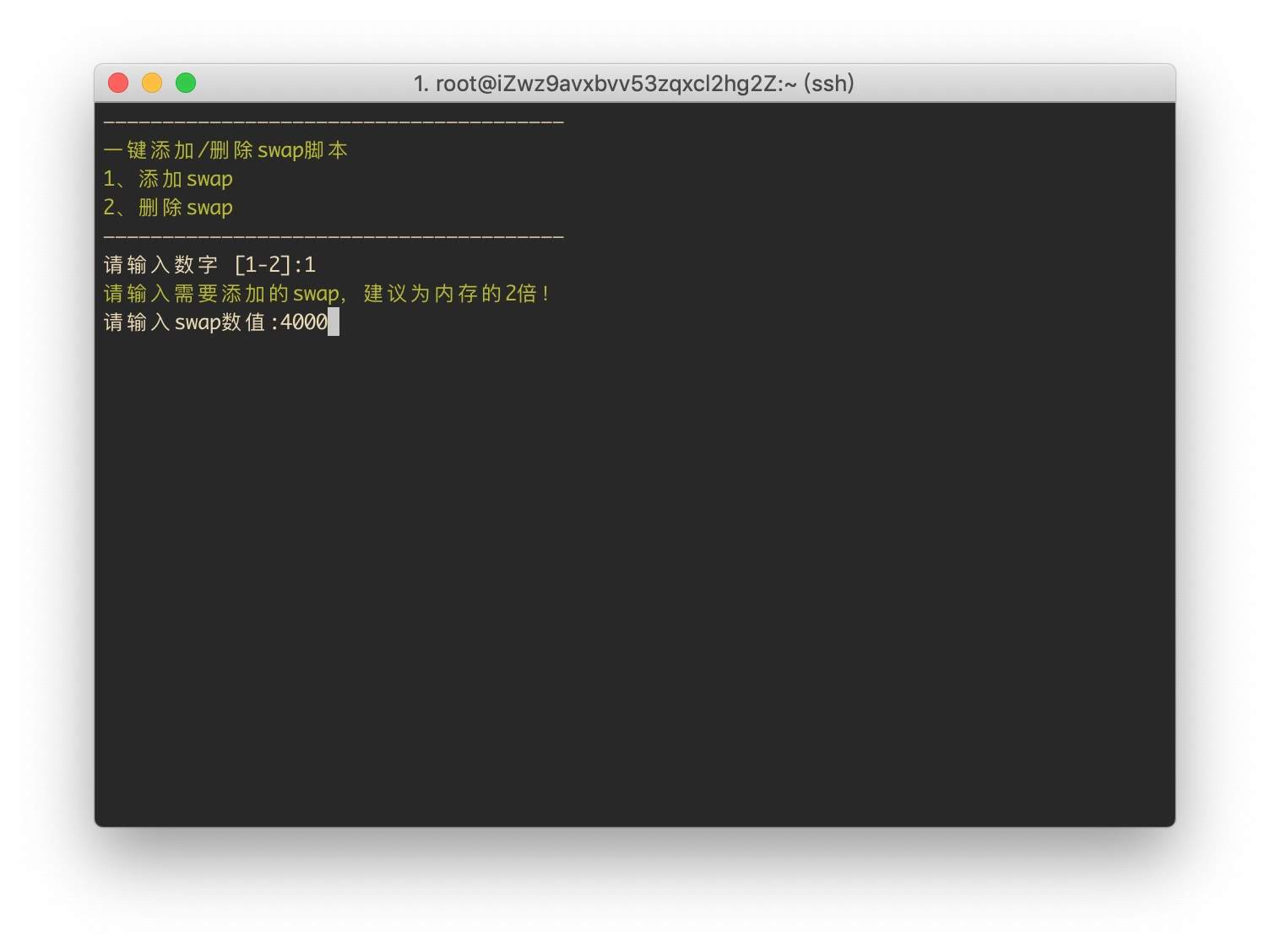
选1添加Swap分区
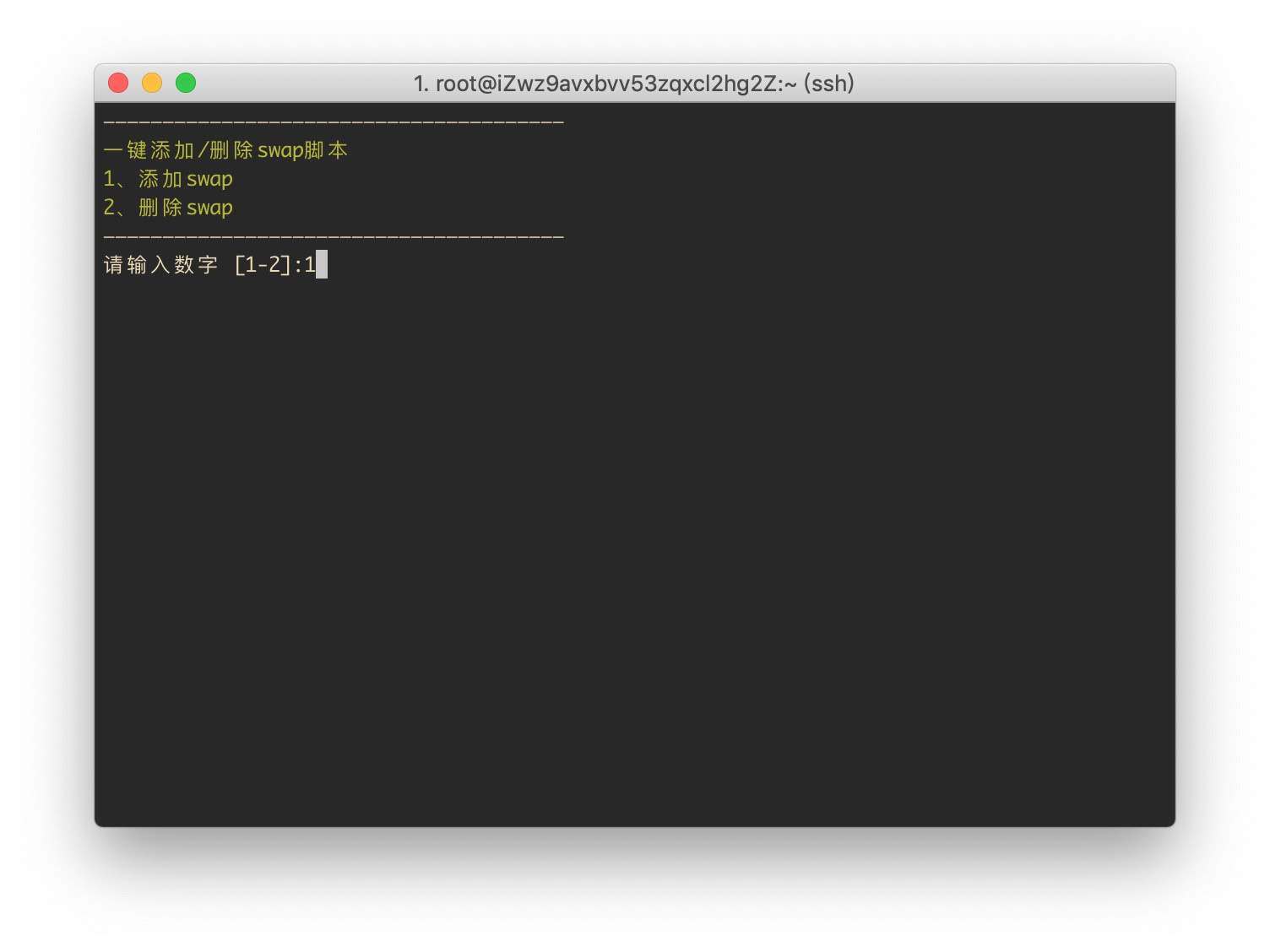
输入分区大小,单位为M,无需乘以1024计算.例如需要4G,则输入4000.
添加完成
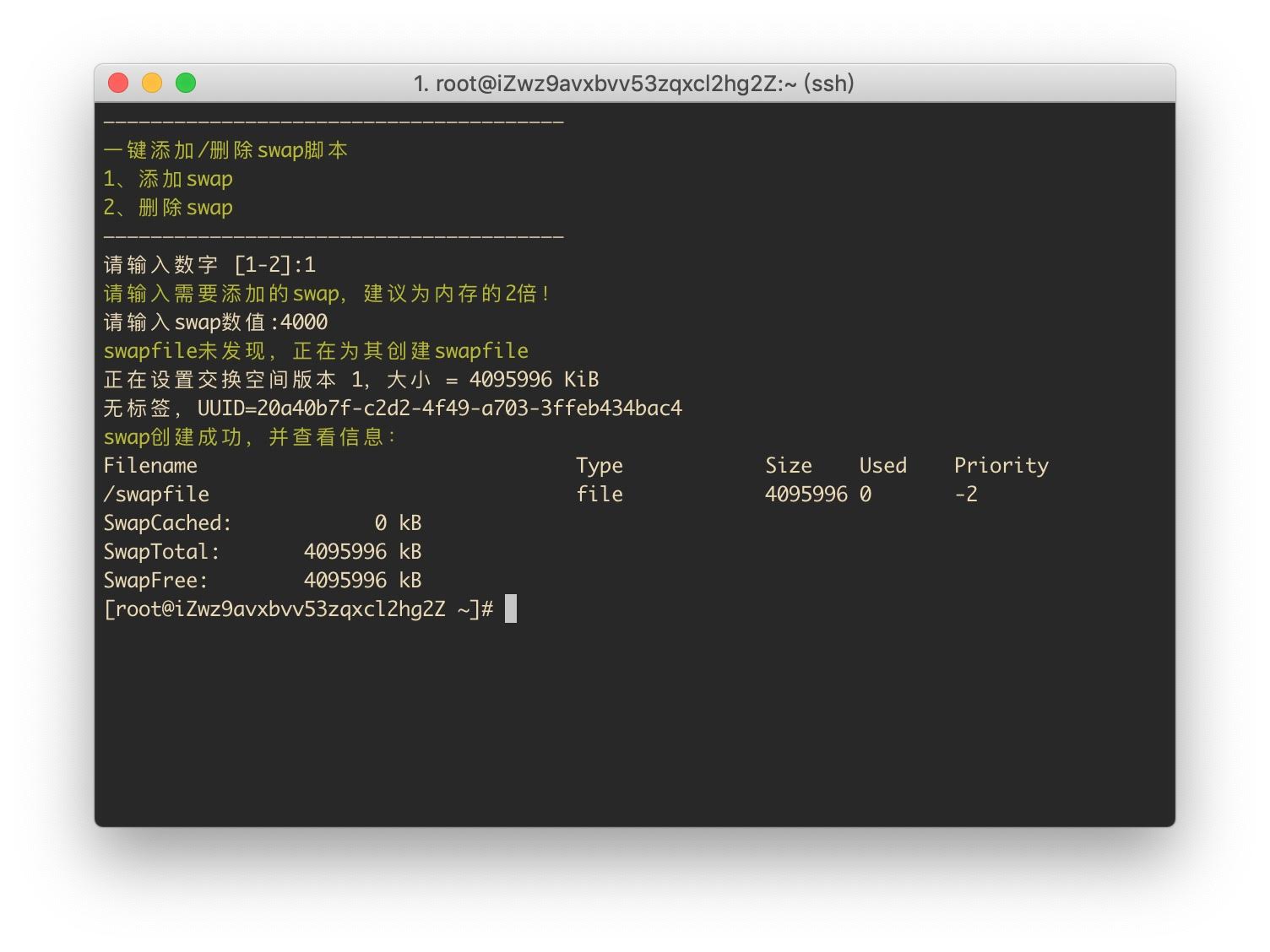
再次检查Swap分区
free -m